CHEXX App and Mobile Play in Kenya: PWA, Browser and Telegram
The most straightforward way to use CHEXX on a phone in Kenya is through the mobile website or its installable PWA. CHEXX publishes PWA installation instructions for Android, iOS, Windows and macOS, and the site also supports access through Telegram Mini Apps. The PWA behaves more like an installed app than an ordinary browser bookmark because it can sit on the home screen and open in its own window, but it is still a web app rather than a native Google Play or Apple App Store download.
That distinction matters if you are searching for a “CHEXX app” on Android or iPhone. The current public mobile documentation points users toward browser-based installation instead of a conventional app-store listing. For most Kenyan users, that makes the choice simple: use the browser first, install the PWA if you want one-tap access, and consider Telegram only if that interface already fits the way you use your phone.
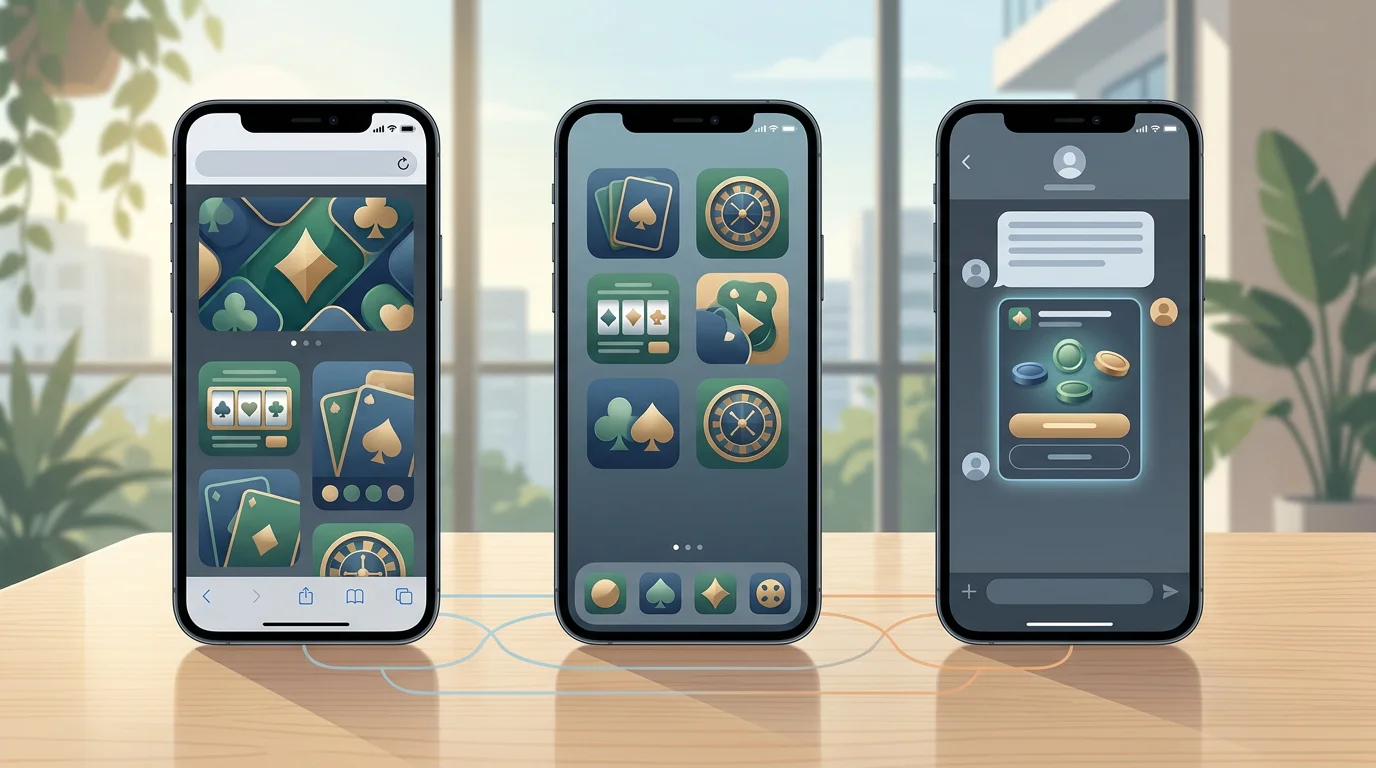
Browser, PWA or Telegram: which route makes the most sense?
The three access methods solve slightly different problems. The mobile browser requires no installation and is the easiest way to check the site on a new device. The PWA is better if CHEXX becomes part of your regular browsing because it adds a home-screen icon and reduces the friction of opening a tab and entering the address each time. Telegram Mini Apps are useful for players who already spend time inside Telegram and prefer to keep access there.
| Access method | Best for | Main advantage | Main trade-off |
|---|---|---|---|
| Mobile browser | First-time or occasional use | No installation required | Less app-like than a home-screen PWA |
| PWA | Regular mobile use | Home-screen launch and app-style window | Still browser technology, not a native store app |
| Telegram Mini App | Telegram-heavy users | Access inside an existing messaging app | Depends on Telegram being your preferred environment |
There is no universally “best” option. The right one is the route with the least friction on your own phone. If you switch devices frequently, browser access is easier to manage. If you use the same handset every day, the PWA is more convenient. If Telegram is already one of your main apps, the Mini App can be a practical alternative.
How the CHEXX PWA works
CHEXX publishes a dedicated PWA guide rather than directing mobile users to a conventional app-store download. Its instructions cover Chrome on Android and iOS, Safari on iOS and macOS, Samsung Internet on Android, and Chrome on Windows and macOS. On supported browsers, installation adds CHEXX to the device home screen or desktop so it can be launched more like an app.
The important point is that “install” does not mean installing a native Android APK or an iOS App Store package. A progressive web app uses the website as its underlying application. That can be an advantage because updates are delivered through the web version, so users do not normally need to wait for a store update. It also means browser compatibility matters.
CHEXX’s current guide lists Google Chrome on Android, iOS, Windows and macOS, Safari on iOS and macOS, and Samsung Internet on Android among the supported browsers. If the install control does not appear, the simplest fallback is to keep using the site in the browser rather than looking for an unofficial download elsewhere.
Installing the PWA on Android
Android offers the widest set of PWA routes because CHEXX documents both Chrome and Samsung Internet. In Chrome, the process is to open the site, use the browser’s menu or install control, and choose the option to add or install the app on the home screen. Samsung Internet follows the same general idea through its own menu.
After installation, the icon should launch the site in an app-style window. That is useful if you want faster access to the casino, sportsbook or account area without keeping a browser tab open. It does not change your account, wallet or game data; those remain tied to your CHEXX account rather than to the icon on the phone.
Avoid downloading random APK files that use the CHEXX name unless the operator itself provides and documents them. The current public mobile path is the PWA, so there is no reason to introduce an unofficial Android package simply to get an icon on the home screen.
Installing CHEXX on iPhone
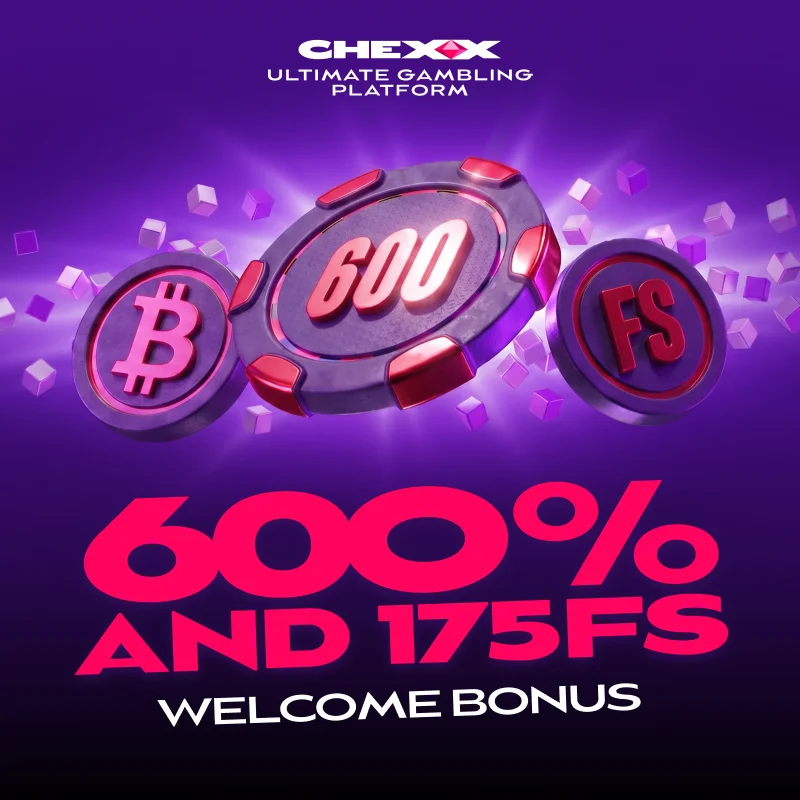
On iPhone, CHEXX documents home-screen installation through Safari and Chrome. In Safari, the standard route is the Share menu followed by Add to Home Screen. In Chrome on iOS, the site likewise documents an install or home-screen option.
The result is similar to Android: a launch icon that opens the PWA without needing to search through browser tabs. For a player who wants the cleanest app-like experience on iPhone, this is the route that matches CHEXX’s current mobile documentation.
The distinction from a native iOS app is still important. A home-screen web app is not the same thing as downloading a product through Apple’s App Store, and users should not assume that an app-store listing exists simply because CHEXX uses the word “app” in its navigation.
What Telegram changes
CHEXX also uses Telegram Mini Apps as an access route. A Mini App runs inside Telegram, so the practical appeal is convenience rather than a different casino catalogue. If Telegram is already open throughout the day, accessing CHEXX there can remove another layer of switching between apps.
This option is more personal than the PWA. Some users prefer keeping gambling activity separate from messaging, while others value having one familiar interface for multiple services. If privacy on a shared phone matters, consider how Telegram notifications, recent chats and app previews appear on your lock screen before choosing this route.
For account creation itself, see the registration guide. The mobile page focuses on access method and device choice rather than repeating the sign-up process.
Why mobile access matters more in Kenya
Kenya is a strongly mobile betting market. GeoPoll’s 2026 survey across six African countries found mobile devices dominated betting access, while Kenya recorded the highest participation rate in the survey sample. That is survey evidence rather than a national census, but it gives useful context for why an operator’s mobile experience deserves more attention in Kenya than a desktop-only review would suggest.
For a Kenyan user, the practical test is not whether a casino claims to be “mobile friendly.” It is whether the important tasks can be completed without a desktop: account access, game navigation, sportsbook use, deposits, withdrawals and support. CHEXX’s browser/PWA model is designed around that kind of mobile-first use.
Short-round formats are especially easy to fit into a phone interface. If that is your main interest, the crash games on mobile explains the fast-game section and the extra pacing risks that come with very short rounds.
Mobile browser performance: what to check yourself
Connection quality varies by network, device and location, so broad claims such as “instant on every phone” are not useful. A better approach is to test the actions that matter on your own connection before committing funds.
- Open the casino and sportsbook menus and check whether navigation remains responsive.
- Load one ordinary slot, one live table and one fast game to compare heavier and lighter content.
- Switch between Wi-Fi and mobile data if you regularly use both.
- Check whether the cashier and account pages remain readable without zooming.
- Confirm that you can reach support from the same mobile interface.
Game streams and live-dealer tables use more bandwidth than static account pages. On an unstable connection, that difference matters more than the choice between browser and PWA because both routes ultimately depend on the same internet connection.

Data use and battery considerations
A PWA does not magically reduce the data used by game video, live streams or repeated asset loading. The biggest data costs usually come from the content itself. Live casino can be heavier because it streams video continuously; slots and crash games vary depending on graphics and animation.
If you rely on a capped mobile-data plan, start by testing the category you expect to play most. The PWA can make access faster and cleaner, but it should be chosen for convenience rather than on the assumption that it will materially reduce every type of data use.
Battery consumption follows a similar pattern. Long live-video sessions, maximum screen brightness and a weak cellular signal can drain a phone faster than a simple account or sportsbook page. These are device and network effects, not unique CHEXX characteristics.
Security on a mobile device
Mobile convenience is useful only if account access remains under your control. Use a device lock, avoid saving credentials on a shared handset, and be cautious with links received through messages. A copied lookalike page can be more dangerous on a small screen because the full address is less visible.
When using a PWA, launch it from the icon you installed from the official site rather than repeatedly installing new versions from third-party pages. When using Telegram, confirm that you are using the operator’s intended Mini App rather than a similarly named channel or bot encountered through search.
If you change or lose your phone, remember that removing the local app icon does not close the underlying casino account. Account security should be handled at account level, including any password or authentication controls available to you.
Mobile deposits and withdrawals
CHEXX is crypto-focused, so the phone experience often involves moving between the site and a wallet. That makes address and network checks especially important. Copying an address is convenient on mobile, but convenience can also encourage users to skip the final comparison before sending.
Check the selected asset, blockchain network and destination address every time. If your wallet supports address-book entries, use a clear label rather than relying on memory. For the broader cashier picture, including the supported payment model and withdrawal considerations, see the CHEXX payments guide.
The access route does not change the underlying payment rules. Browser, PWA and Telegram should be treated as different interfaces to the same account, not as separate products with separate balances.
When the browser is better than the PWA
The browser is the better choice if you use CHEXX only occasionally, prefer not to add another home-screen icon, or are testing the site on a borrowed or secondary device. It is also the safest fallback if an install prompt fails or if a browser update temporarily changes PWA behavior.

Using the browser does not mean accepting a cut-down version of the product. The PWA is built from the web experience, so the main difference is launch convenience and presentation. If the mobile site already feels fast enough for you, there is no requirement to install anything.
When the PWA is the better choice
The PWA makes the most sense for repeat use on a personal phone. It reduces the number of steps between unlocking the phone and opening CHEXX, gives the site a dedicated icon, and can feel cleaner because it opens in a more app-like frame.
It is also the option that most closely matches what many users expect when they search for a CHEXX Android or iPhone app. The important difference is distribution: you install it from the website through the browser rather than from Google Play or the App Store.
When Telegram is worth using
Telegram is worth considering if it is already central to how you communicate and access services. The Mini App approach can feel natural in that setting because it keeps CHEXX inside a tool you already use. It is less compelling if you prefer a clean separation between messaging and gambling.
For shared devices or highly visible notification settings, the browser or PWA may offer better separation. The decision is therefore about workflow and privacy preferences, not a claim that one route changes the games, odds or payment terms.
CHEXX mobile verdict
CHEXX’s strongest mobile option is its PWA. It works with the operator’s browser-based model, can be installed from supported browsers on Android and iOS, and avoids the need to search for an unofficial native download. The ordinary mobile site remains the easiest route for occasional use, while Telegram Mini Apps give a third option to users who already prefer that ecosystem.
For Kenyan players, this setup fits a market where betting behavior is heavily mobile. The useful takeaway is simple: do not judge the mobile product by whether it appears in an app store. Judge it by whether the browser or PWA handles the tasks you need reliably on your own phone and connection.
For the broader assessment of payments, games, licensing and bonuses, return to the CHEXX Kenya review.
The full picture is in our CHEXX review for Kenya.
An account comes first: registration and KYC.
 Sweet FTNGameArt
 Sizzling Hot DeluxeNovomatic
 Sweet RewardBF Games
 GemonexBetixon
 ReactoonzPlay'n GO
 Rich WorldAmusnet
 Gates of OlympusPragmatic Play
 Sevens HighRoyal Slot Gaming (RSG)
 Beef Up the Bonus Power ComboHigh Limit Studio
 Astro GemsMaverick
 Mystic Fortune DeluxeHabanero
 Hot Hot FruitHabanero
 Romance VFugaso
 Blackjack 21 ClassicClassic
 Vegas Strip BlackjackClassic
 Quantum Blackjack PlusMultiplier
 Multihand BlackjackMultihand
 Ultimate Blackjack with RachaelLive-style
 Classic BlackjackClassic
 European BlackjackMultihand
 Blackjack Surrender OriginsSurrender
 American BlackjackClassic
 Double Exposure BlackjackDouble Exposure
 Blackjack Lucky LadiesSide Bet
 Turbo BlackjackFast-play
 Premier Blackjack with Side BetsSide Bet
 VIP American BlackjackVIP
 Perfect Pairs BlackjackSide Bet
 Who Wants to Be a Millionaire RouletteThemed
 Auto RouletteSwitch Studios
 Dragon RouletteThemed
 Roca Riches RouletteThemed
 Multifire RouletteMultiplier
 French RouletteNetEnt
 Lucky RouletteClassic
 Monopoly Roulette TycoonThemed
 American RouletteClassic
 European RouletteClassic
 Double Ball American RouletteDouble Ball
 Immortal Romance RouletteThemed
 Mega Fire Blaze RouletteMultiplier
 Quantum RouletteMultiplier
Created by the ”Chexx Casino” editorial team.